

Self Services
In short
Self Services lets anyone report an issue without a login, through a public QR "Report an Issue" form, the mobile app or the web. The request becomes a tracked service request, the helpdesk reviews and converts it into a work order, and the requester gets updates with a reference number.
Applies to: No user licence needed for the person reporting
Occupants, tenants and visitors will not install an app or remember a portal password. Self Services is built around that fact.
Someone scans a QR sticker on an asset or a location, fills in a short form, and the request lands in the system. No account, no download, no phone call.
Three ways in
- Public QR form: No login. The asset and location come from the sticker itself, so the helpdesk gets accurate detail rather than “the tap on the third floor”.
- Mobile app: For people who do have accounts.
- Web: The same form in a browser.
What happens next
The request does not go straight to a technician. The helpdesk reviews it first, corrects anything wrong, and converts it into a work order on the existing engine, with its own response and resolution SLA.
That review step is the reason the data stays usable. Duplicate and invalid requests are stopped before they reach the maintenance team.
What the requester sees
- A reference number issued when the request is accepted.
- Email and in-app updates as it progresses.
- Automatic resolution when the work order completes.
- A one-time satisfaction rating before the request auto-closes.
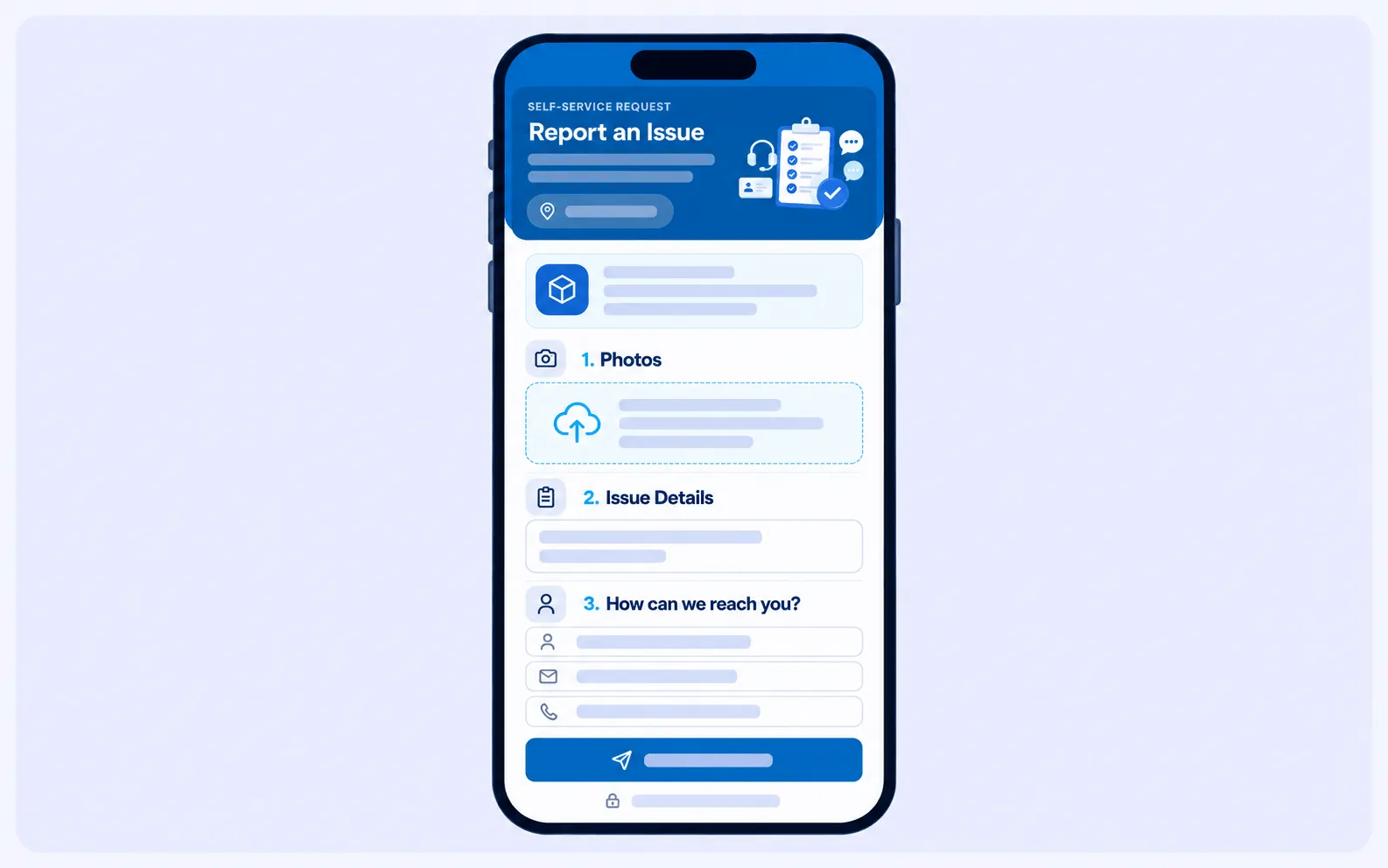
Reporting a fault by scanning a QR sticker. No app and no login, with the asset and location filled in from the sticker.
How it connects to other modules
- Facilities Management and Asset Management supply the location and asset behind each QR sticker.
- Helpdesk reviews and converts each request.
- Task Management runs the resulting work order.
- Customer Satisfaction Survey collects the rating at the end.
Frequently asked questions
Do people need an account to report an issue?
No. The public QR form needs no login.
How does the system know what and where the problem is?
The asset and location are taken from the QR sticker that was scanned.
Does a request go straight to a technician?
No. The helpdesk reviews and converts it into a work order first, which is what stops duplicates and invalid requests reaching the maintenance team.
Can the requester follow progress?
Yes. They get a reference number and email and in-app updates, and can leave a rating when the work is done.