

Contract Management
In short
Contract Management is where client contracts are set up and maintained in CAFMTEK. Each contract carries its client, reference, duration, value, status and assigned location hierarchy. Its settings then define the processes, instructions, SLAs and rules that work orders, PPM, assets and approvals operate under.
14The contract is the backbone the rest of the system hangs off.
For a facility management provider running buildings for several clients, almost nothing is universal. One client’s emergency response target is another’s routine. One site’s approval chain has two steps, another has four. Contract Management is where those differences are recorded once, so every job raised afterwards inherits the right rules automatically.
What a contract record holds
- Client and reference. Who the contract is with and its reference number.
- Duration and value. Start and end dates, and contract value.
- Status. Whether the contract is active.
- Location hierarchy. The sites, buildings and areas the contract covers.
What you configure from a contract
- Processes and instructions. How work is handled under this contract.
- SLAs. Service levels by priority, with their own operating days and hours.
- Per-contract rules. The approvals and conditions that apply here and not elsewhere.
Because these sit on the contract rather than on the system, work orders, PPM schedules, assets and approvals all operate within the right contractual scope without anyone having to remember which client this job belongs to.
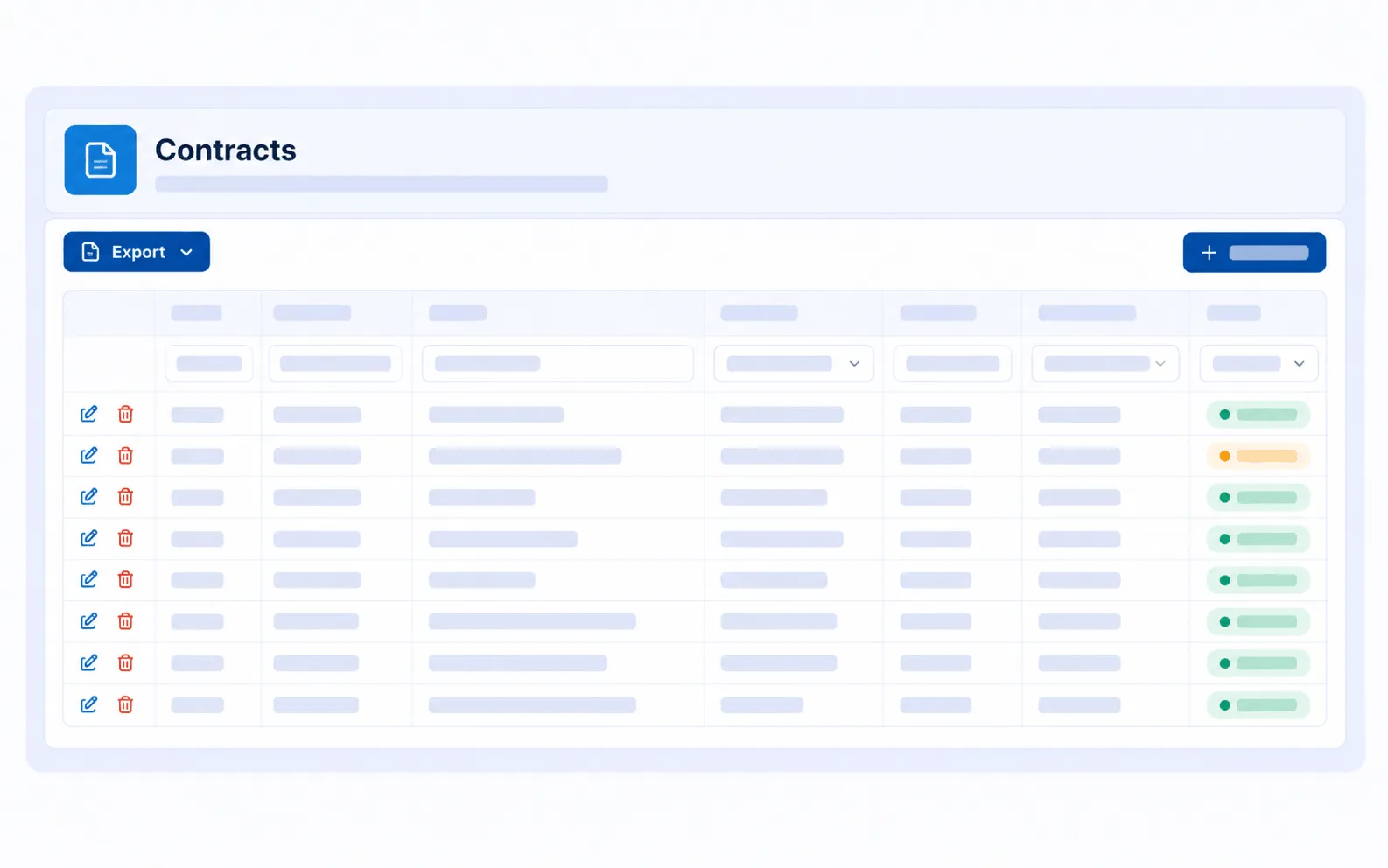
Contracts held with their own SLA rules, operating days and hours, so each client is measured against what was agreed.
How it connects to other modules
- SLA & KPI Management reads the SLA rules set on the contract.
- Facilities Management supplies the location hierarchy assigned to the contract.
- Task Management raises every work order within a contract’s scope and rules.
- Subcontractor Management links each subcontractor to the contract it supports.
Frequently asked questions
Can different contracts have different SLAs? Yes. Service levels are set per contract, by priority, with their own operating days and hours.
Can one system run several clients at once? Yes. Contracts, locations and rules are managed separately, and permissions control who sees what.
What happens to work orders when a contract has its own rules? Work orders raised under that contract inherit its processes, SLAs and approval rules automatically.