

Reports
In short
Reports turns any enabled CAFMTEK module into a formatted export. Pick a template, set dates and filters, choose the columns, preview it live, then generate Excel or CSV. Templates can be saved and scheduled to email automatically to a distribution list.
Most facility teams lose more time to building the client report than to the work it describes. Reports exists to stop that.
Any module you have enabled can be exported. You pick a template, set the date range and filters, choose which columns you want, and see a live preview before generating anything. The output is Excel or CSV.
Reusable templates
The point is not the one-off export. It is that the template is saved and reused.
Once a report is set up the way a client wants it, it becomes a template. The next month it runs again with a new date range instead of being rebuilt. For a team running several contracts with different reporting formats, that is the difference between a day of work and an hour.
Scheduled delivery
Saved templates can be scheduled to email automatically to a distribution list. The monthly report goes out without anyone remembering to send it.
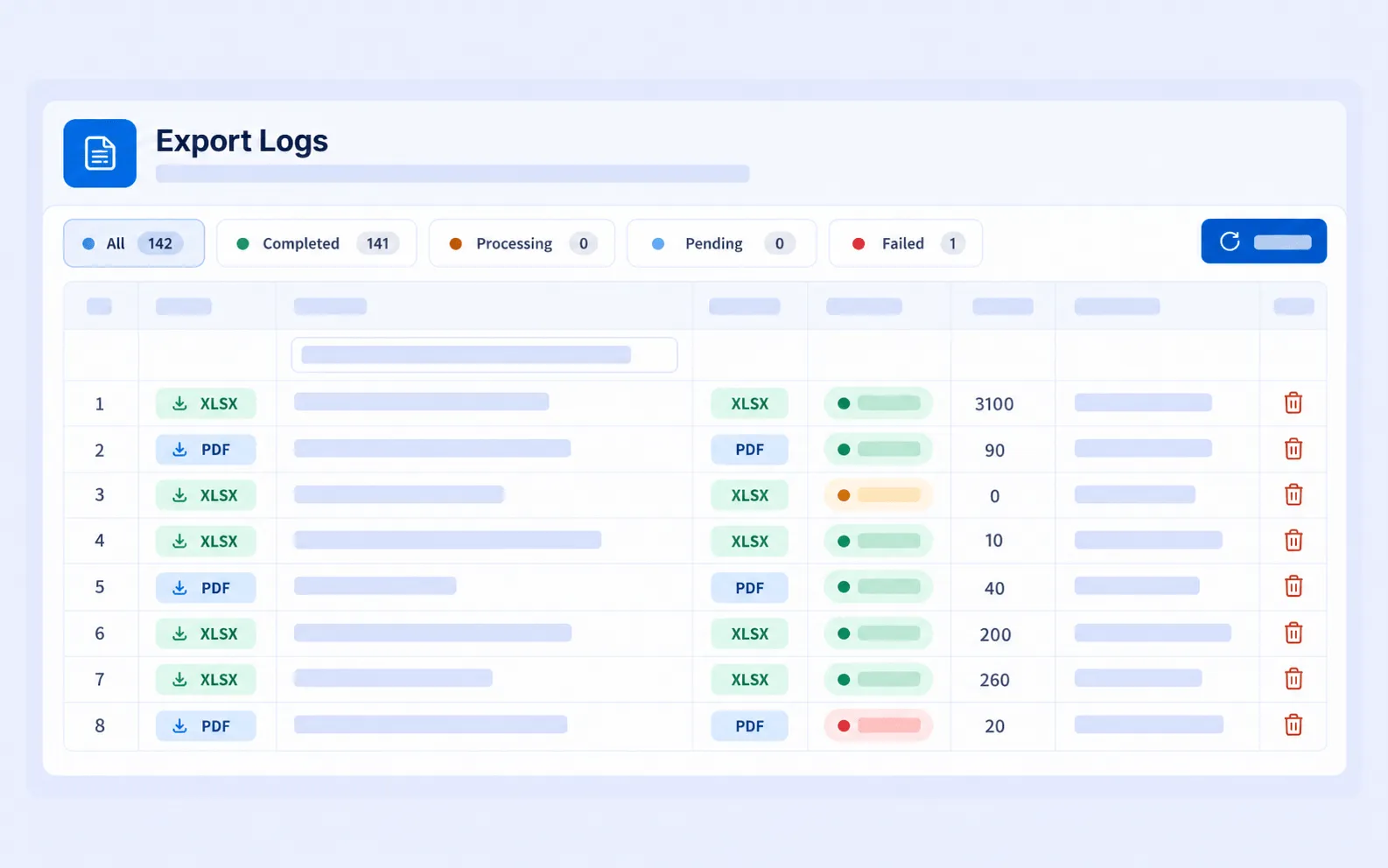
Report generation and export history, so the figures sent to a client can be traced back to when they were produced.
How it connects to other modules
- Reports draws from any module you have enabled, including Task Management, PPM Management, Asset Management and SLA & KPI Management.
- The Dashboard is the live view for working from. Reports is for producing a document to send.
Frequently asked questions
What formats does it export? Excel and CSV.
Can reports be sent automatically? Yes. A saved template can be scheduled to email to a distribution list on a recurring basis.
Can you choose which columns appear? Yes. Columns are selected when the template is built, and you can preview the result live before generating.
Is this the same as the Dashboard? No. The Dashboard is a live on-screen view scoped to your contracts and permissions. Reports produces a formatted file to send to someone else.