
Owners associations and residential communities

CAFM Software for
Owners Associations in the UAE

CAFMTEK gives an owners association one system for resident requests, common area assets, planned maintenance and contractor performance. Residents report an issue without needing a login. The committee gets a record of what was done, by whom, and against which service agreement.

  • Residents report issues by QR code, app or WhatsApp
  • One asset register for lifts, pumps, chillers and fire systems
  • Contractor performance measured against the service agreement

An owners association answers to the people who pay for it. CAFMTEK turns everyday maintenance into a record the committee can show them.

Why this is different

Managing a community is not managing an office

The building is shared, the people reporting faults are not staff, and the budget is other people's money. Four things make it harder than a standard facilities contract.

The people reporting faults are residents

They do not have system logins and never will. If reporting a leak means an email to a supervisor, most faults arrive by WhatsApp message or by someone knocking on the management office door, and none of it is recorded.

Several contractors, one budget

Lifts, chillers, cleaning, security, landscaping and pest control are usually separate contracts with separate reporting. When a resident complains about response times, the association needs to know which contractor, which job, and how long it took.

Every dirham is questioned

Service charges are paid by owners who can and do ask what the money bought. Without a maintenance record, the answer is a spreadsheet of invoices rather than evidence of work done.

Handover leaves a long tail

Defects found after a developer hands over a building sit in a liability period with a deadline. Tracking them in a spreadsheet means arguing about dates later, usually without photographs.

End to end

From a resident scanning a code to a rated, closed job

Five steps, each one recorded against the same reference number, so nothing depends on anyone remembering to pass it on.

01

Report

A resident scans a QR code and fills in a short public form, with a photo. No login, no app.

02

Review

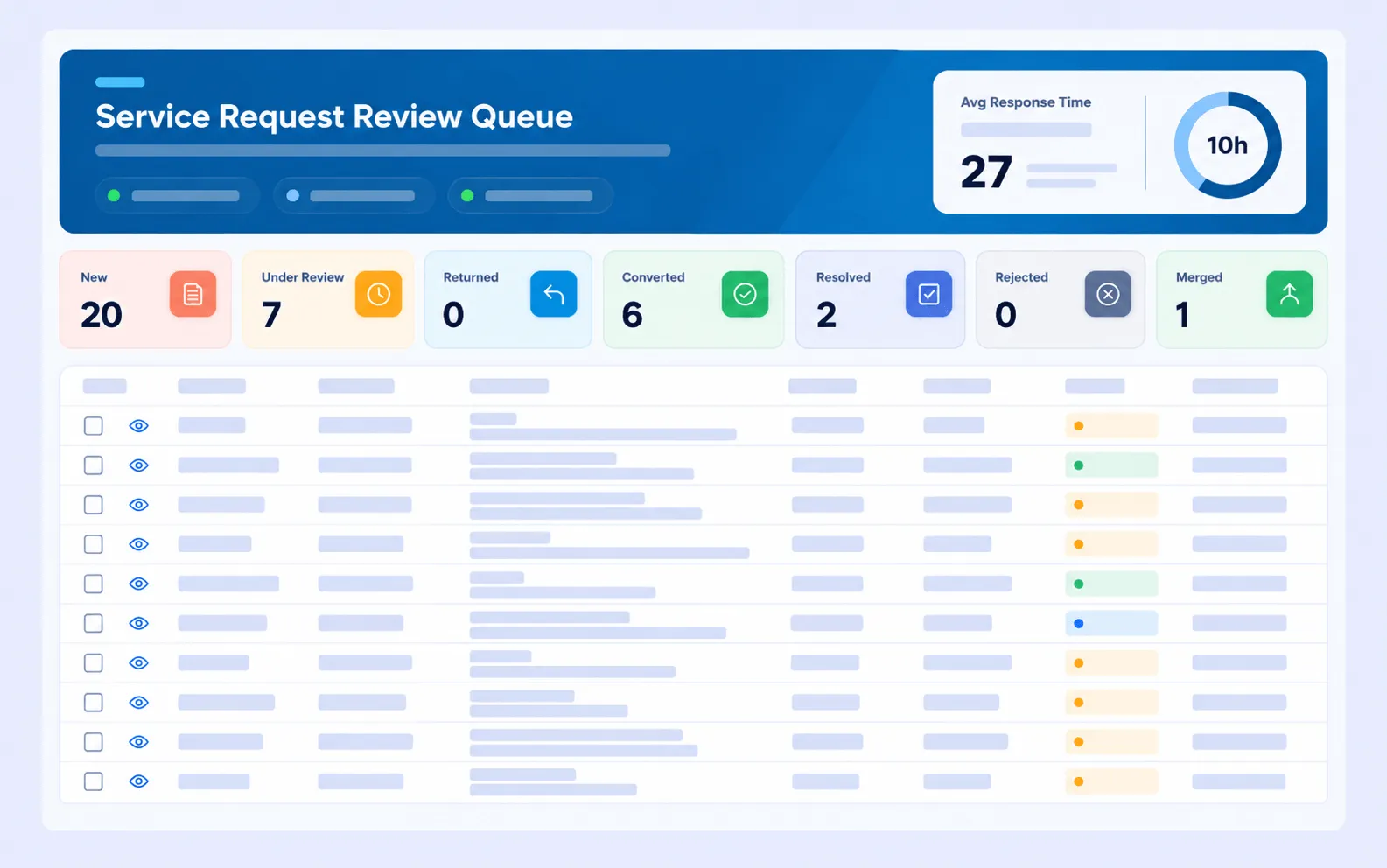
The helpdesk checks the request, stops duplicates, and converts the real ones into work orders.

03

Assign

The job goes to the right team or contractor, with the SLA clock for that priority already running.

04

Fix

The technician works from a phone, updates the job on site, and closes it against the asset.

05

Rate

The resident gets a survey link and scores the job out of five. The rating is stored against it.

01

Residents report without a login

A resident scans a QR code in the lobby, in the lift lobby or by the pool, and fills in a short form. No account, no app download, no call to the office.

  • Public QR form. Report an issue from a phone camera, with a photo attached
  • Other channels too. Phone, email, WhatsApp, the portal and the helpdesk mailbox all land in the same queue
  • A review gate. The helpdesk checks the request and converts it into a work order, so duplicates and non-issues are stopped before they reach a technician
  • A reference number back. The person who reported it gets updates against that reference
CAFMTEK public report an issue form opened from a QR code
02

Contractors measured, not just paid

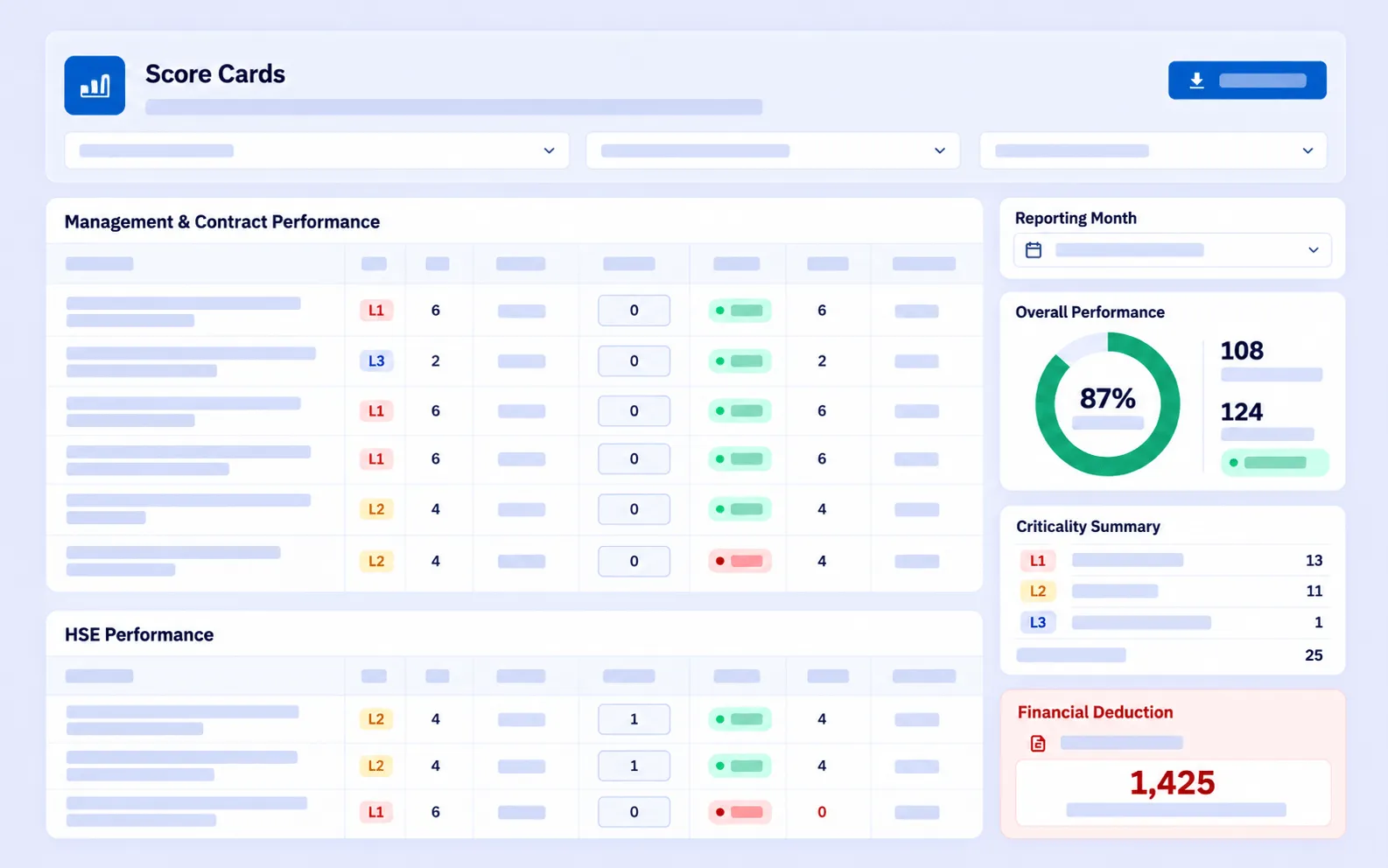
Each service contract carries its own response and resolution targets. Every job raised against it is measured, and each contractor is scored monthly against an agreed set of KPIs.

  • One subcontractor register. Company details, trade licences, certifications, and risk and performance ratings in one place
  • Four stage measurement. Respond, attend, contain and fix, each timed separately rather than one overall figure
  • Targets by priority. A failed lift and a loose door handle are not held to the same clock
  • Monthly scoring. A record you can take into a contract review or a committee meeting
CAFMTEK SLA tracking and contractor performance scoring
03

Handover defects with a paper trail

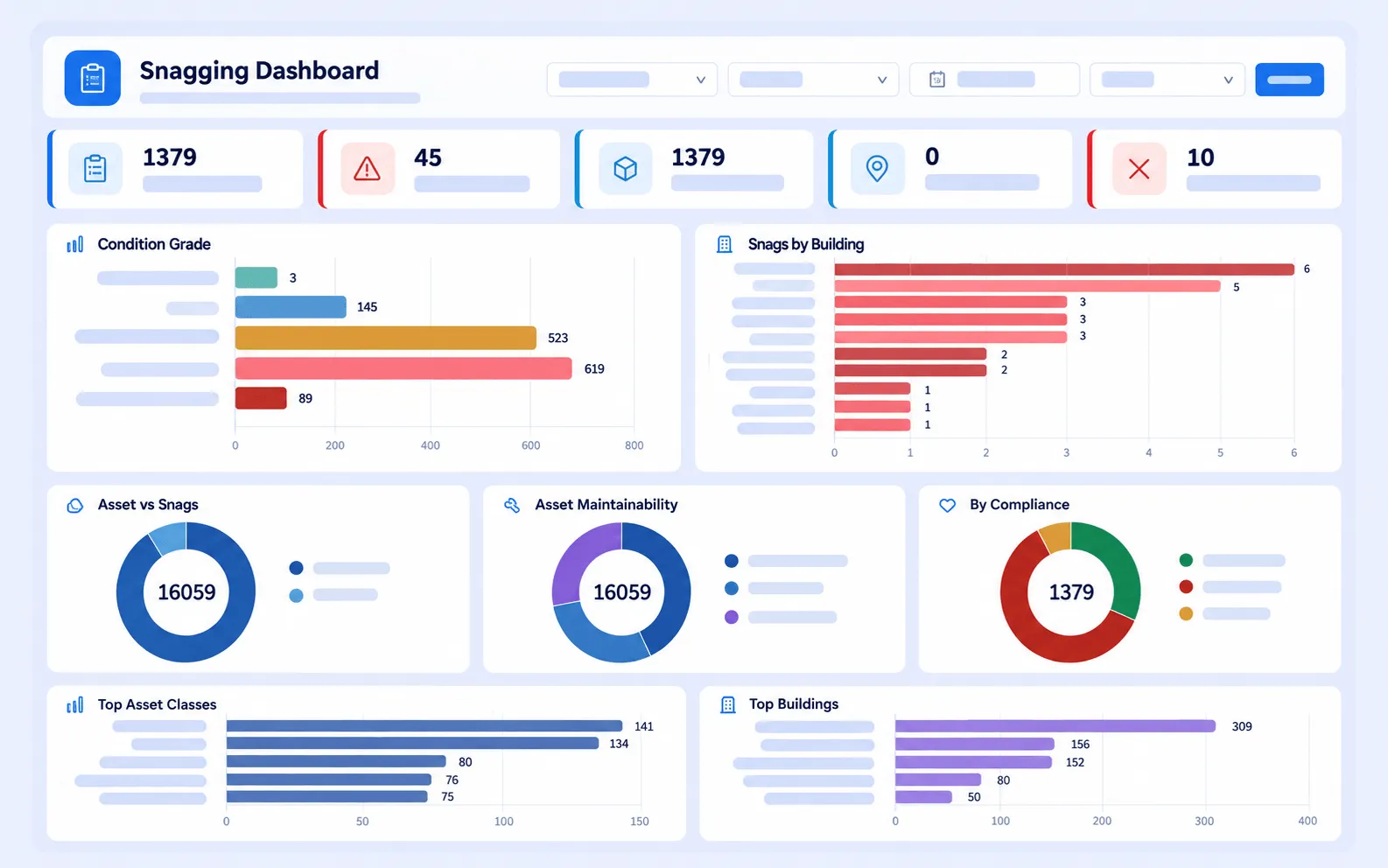
Snagging rounds are done on a phone, with photographs. A genuine defect becomes a work order with its own deadline. An item that turns out to be fine closes as a condition record rather than disappearing.

  • Captured on site. Photograph, location and description recorded where the defect is, not back at a desk
  • Converted automatically. Defects become tracked jobs with response targets attached
  • Nothing wasted. Clean inspections close as asset survey baselines, which builds the register as you go
  • Also available on its own. The same capability is sold separately as CONDTEK, which is asset condition intelligence rather than a CAFM system
CAFMTEK snagging capture showing a photographed defect converted into a work order

Underneath it

What makes the record hold up

Four things sit behind the journey above and turn activity into something an association can put in front of owners.

One register for everything shared

Lifts, pumps, chillers, fire systems, pool plant and generators sit in one register, each placed in the building and in its own equipment hierarchy, with criticality ratings, QR tags and documents attached.

Planned maintenance that runs itself

Routine work on shared equipment is scheduled once by asset, location or group, loaded in bulk for the year, levelled on a visual calendar, then generated overnight as assigned jobs.

A rating on every completed job

Closing a work order sends the resident a survey link. The rating out of five and any comment are written back against the job, and results roll up into a dashboard and a monthly report.

Reports you can schedule and send

Pick a template, set dates, filters and columns, then export to Excel or CSV. Save it and have it emailed to a distribution list, so the committee pack is not rebuilt by hand each month.

The full set

Sixteen modules, enabled to suit the community

An owners association typically leads with the ones below. Every CAFMTEK client gets the same core product.

CAFMTEK is the CAFM software from HITEK AI. The product overview covers what it does across any estate, and documentation for all sixteen modules is published at the CAFMTEK modules reference.

In use

PI Owners Association Management

PI Owners Association Management deployed CAFMTEK across its residential portfolio as part of moving its facility operations to a digital first model, alongside a dedicated call centre for resident contact. The association reported better resource allocation and faster issue resolution for residents.

See it with your own building

A demo walks through the modules an association would actually use, with your asset types, your contractors and your community structure rather than a generic sample.

Book a demo

Questions

Frequently asked questions

Do residents need a login to report a problem?
No. A resident scans a QR code and fills in a short public form, with a photo if they want. The request goes to the helpdesk for review, and they get a reference number and updates without ever holding an account.
Can we track several contractors separately?
Yes. Each contractor sits in a subcontractor register with its licences, certifications and performance rating, and each service contract carries its own response and resolution targets. Jobs are measured against the contract they belong to, so lift maintenance and cleaning are not scored together.
Can we report on each building separately?
Yes. You set up the location hierarchy to match how the community is actually described, for example community, then tower, then floor, then plant room. Every work order, asset and inspection sits against a location, so reports can be filtered to one building or rolled up across the whole community.
What happens to our maintenance history when we change contractor?
The history belongs to the asset, not to the contractor. Each piece of equipment keeps its full record of jobs, inspections and attachments regardless of who carried out the work, and the outgoing and incoming contractors each have their own entry in the subcontractor register with their own performance record.
Can we show owners what the service charge paid for?
CAFMTEK records the maintenance work itself: what was raised, who attended, how long it took, and how the resident rated it. Reports can be built from that and scheduled to a distribution list. It is a record of work done rather than a service charge accounting system.
What happens to defects found at handover?
They are captured on site with a photograph and location. Genuine defects convert into work orders with response targets, so the liability period is tracked with dates and evidence rather than in a spreadsheet. Items that turn out to be fine close as condition records against the asset.

Book a demo

Tell us about the community and we will show you the parts of CAFMTEK that apply to it.